TABLE OF CONTENTS
Affects
This error can affect any user running a report where not enough RAM is available to the program
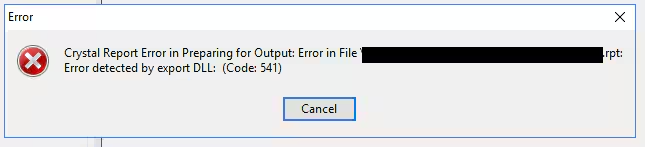
Error
Crystal Report Error in Preparing for Output: Error in File [FILE PATH].rpt Error Detectedby Export DLL: (Code541)
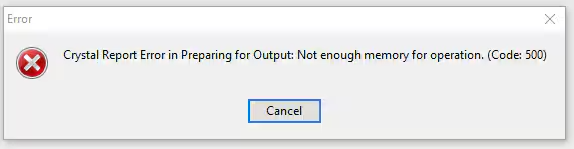
May also display
Resolution
This issue is related to Crystal Reports running out of memory. The issue appears to that Crystal Reports is a 32bit application and therefore Windows only allocates it 2GB of memory (https://apps.support.sap.com/sap/support/knowledge/public/en/2465542).
A common occurrence for example is that an image on the report that is too large, and because Crystal converts the jpg to a bmp format, during compiling the memory usage exceeds 2GB and fails. This issue is mostly related to the generating of the report and the memory needed to generate it.
Other causes can be permissions to local drive temp folder permissions either on local user machine or server, and these are worth checking if the problem persists.
Considerations
While the RAM on the users machine may be adequate and more than 2GB, consideration needs to be made the fact that it is only allocated 2GB of memory for use.
Was this article helpful?
That’s Great!
Thank you for your feedback
Sorry! We couldn't be helpful
Thank you for your feedback
Feedback sent
We appreciate your effort and will try to fix the article