TABLE OF CONTENTS
Affects
This error can affect all users that print reports
Error
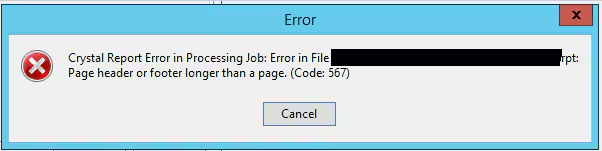
Crystal Report Error in Processing Job Error in File. Page Header or Footer Longer than a Page. (Code 567)
Resolution
There are 2 reasons this error can occur
1. The header or the footer has so much data in it that it has grown longer than a page print - This is often a common reason if you have customized a report. You would need to open the the Report in Crystal Reports editor and check what is in either the header or footer and adjust as required
or
2. The paper size could also be an issue for example the Report could be designed for A4 but you are trying to print on A5 or the margins of the A4 page are smaller than what it was designed for
Considerations
Check to see if the report has been edited by someone at your school and why they may have needed to make changes.
Check the Site Report folder and reports folder to see the date the report was changed. Likely a user has edited the report.
Was this article helpful?
That’s Great!
Thank you for your feedback
Sorry! We couldn't be helpful
Thank you for your feedback
Feedback sent
We appreciate your effort and will try to fix the article