Summary
Users can send an email from Synergetic from an email address other than their personal school email.
Method
The easiest way to use a generic email is to first create a community staff member (we suggest naming it something generic that associates it with the email address) and assigning this staff member the generic address.
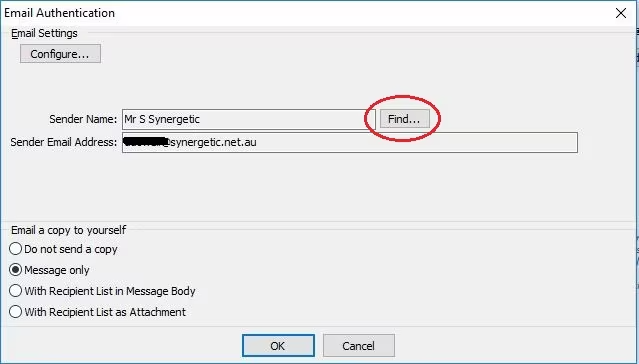
Once the correspondence has been processed and they are sending off the email the user can select from the Email settings pop-up window the 'School Office' Community member to send from.
Considerations
You may wish to set up multiple accounts such as School Office, Payroll, Bursar etc
Was this article helpful?
That’s Great!
Thank you for your feedback
Sorry! We couldn't be helpful
Thank you for your feedback
Feedback sent
We appreciate your effort and will try to fix the article