- Make sure your Config File has no values in <HeaderColour> and <MenuColour> (SynergeticMT.xml)
- Then add your own school logo in to the Site\Images folder e.g. SchoolLogoHeaderLeft.png and SchoolLogoHeaderRight.png
- Edit your Synergetic.xml file and change these keys (to reference your own school logo):
<TitleImageLeftUrl>site/images/SchoolLogoHeaderLeft.png</TitleImageLeftUrl>
<TitleImageRightUrl>site/images/SchoolLogoHeaderRight.png</TitleImageRightUrl>
You can make it look like this:
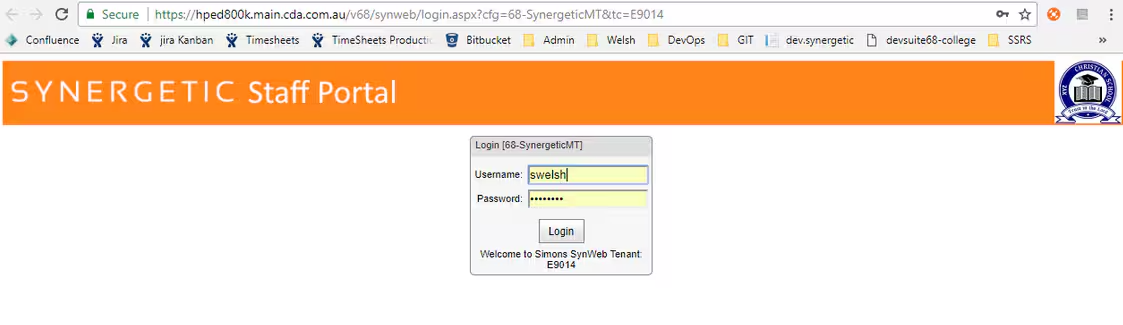
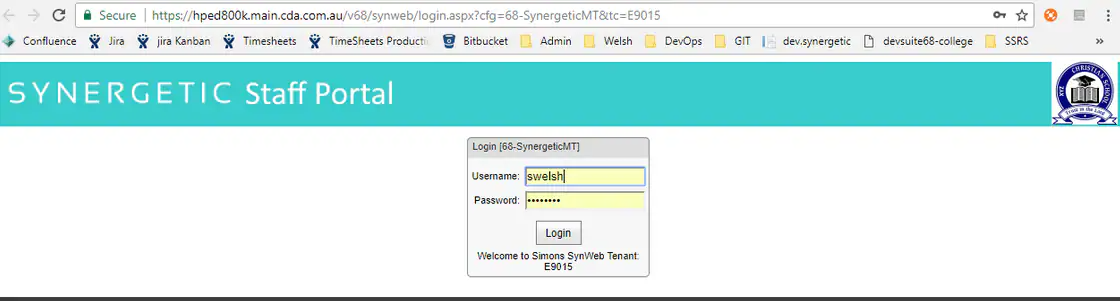
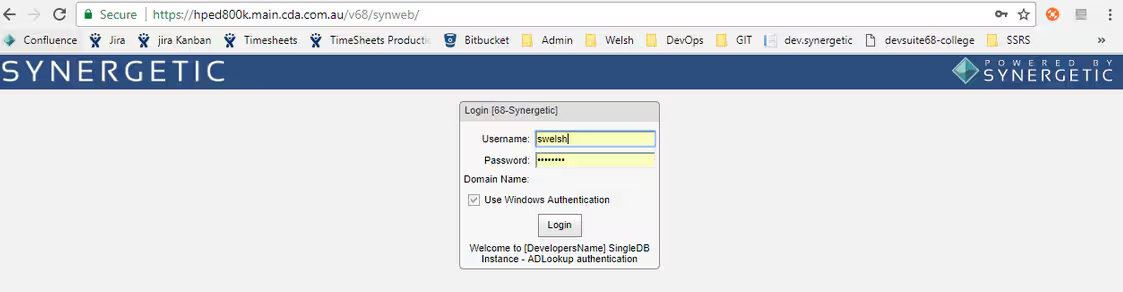
Instead of standard:
Was this article helpful?
That’s Great!
Thank you for your feedback
Sorry! We couldn't be helpful
Thank you for your feedback
Feedback sent
We appreciate your effort and will try to fix the article