In Windows 7, users can elect to change the size of text on their screen.
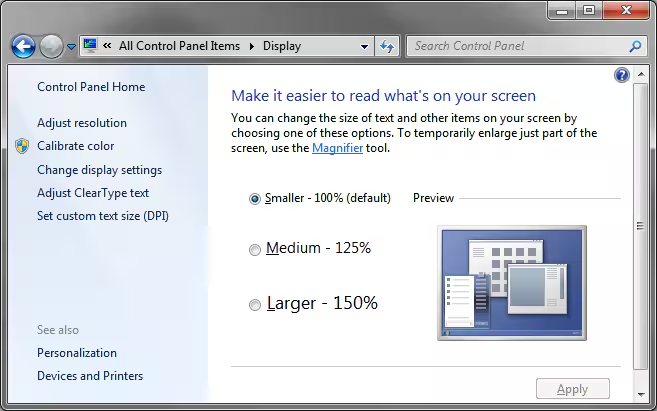
This has a subsequent impact in Synergetic where Smaller (100%) and Larger (150%) work as expected, however Medium (125%) results in the display rendering incorrectly (as per below).
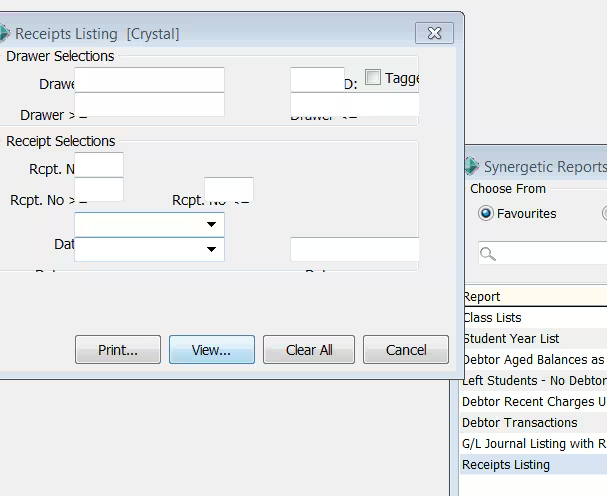
This is due to a limitation in the devlopment tools.
Work arounds
- Use the Larger (150%) option
- Reduce the screen resolution
- Arrange for a larger or second monitor
- Upgrade workstation to Windows 10
Was this article helpful?
That’s Great!
Thank you for your feedback
Sorry! We couldn't be helpful
Thank you for your feedback
Feedback sent
We appreciate your effort and will try to fix the article