TABLE OF CONTENTS
- Introduction
- View contact preferences for statements
- Edit contact preferences for statements
- Edit statement preferences
Introduction
Finance administrators can view or edit contact preferences for financial statements in School community profiles.
You can edit the contact preferences for a community member depending on how they want their statements delivered to them.
View contact preferences for statements
To view contact preferences for statements, go to School community profiles > Community members. All community members with finance permissions can view the contact preferences page but can’t edit them.
Search the person by name.
Select the community member name in the list of results to view the profile details.
Scroll down the list and select Contact preferences.
Information already entered by the school administrator about the person displays: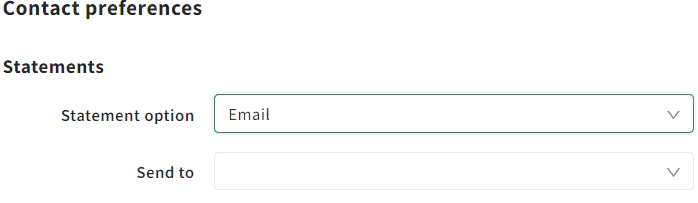
Edit contact preferences for statements
To edit contact preferences for a student’s contact, first make sure you have permission to edit them.
Your school administrator can edit permissions:
Go to Security > Groups and select the permissions group name
Select Permission sets
Search by permission name Maintain community contact preferences.
Select the permission name and select
 to add this permission.
Edit statement preferences
To change the statement options from email to print, or change the email address to send the statement to:
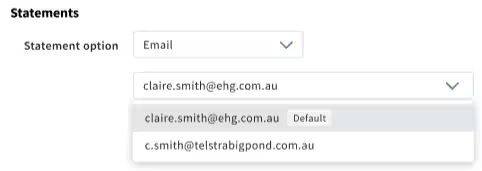
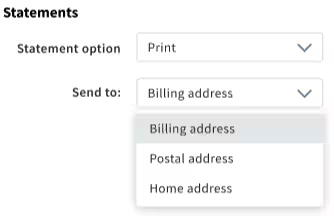
This edit will not change any other user communication preferences the person has set up in their profile.
Was this article helpful?
That’s Great!
Thank you for your feedback
Sorry! We couldn't be helpful
Thank you for your feedback
Feedback sent
We appreciate your effort and will try to fix the article