SQL 2016 has new Auto Seeding option when adding DBs to a SQL AG and it seems much more efficient than the full backup/restore method. This avoids having to wait for a full backup and restore and is a much faster way of provisioning DBs to the Availability Group.
The suggestion is to temporarily enable compression for auto seeding using the trace flag query, then select Automatic Seeding on the sync preference screen.
Query:
DBCC TRACEON (9567,-1)
Also make sure the destination server has had the Synergetic initialisation scripts run master.dbo.spInitialiseDBServer and contained databases is enabled, otherwise the sync will silently fail.
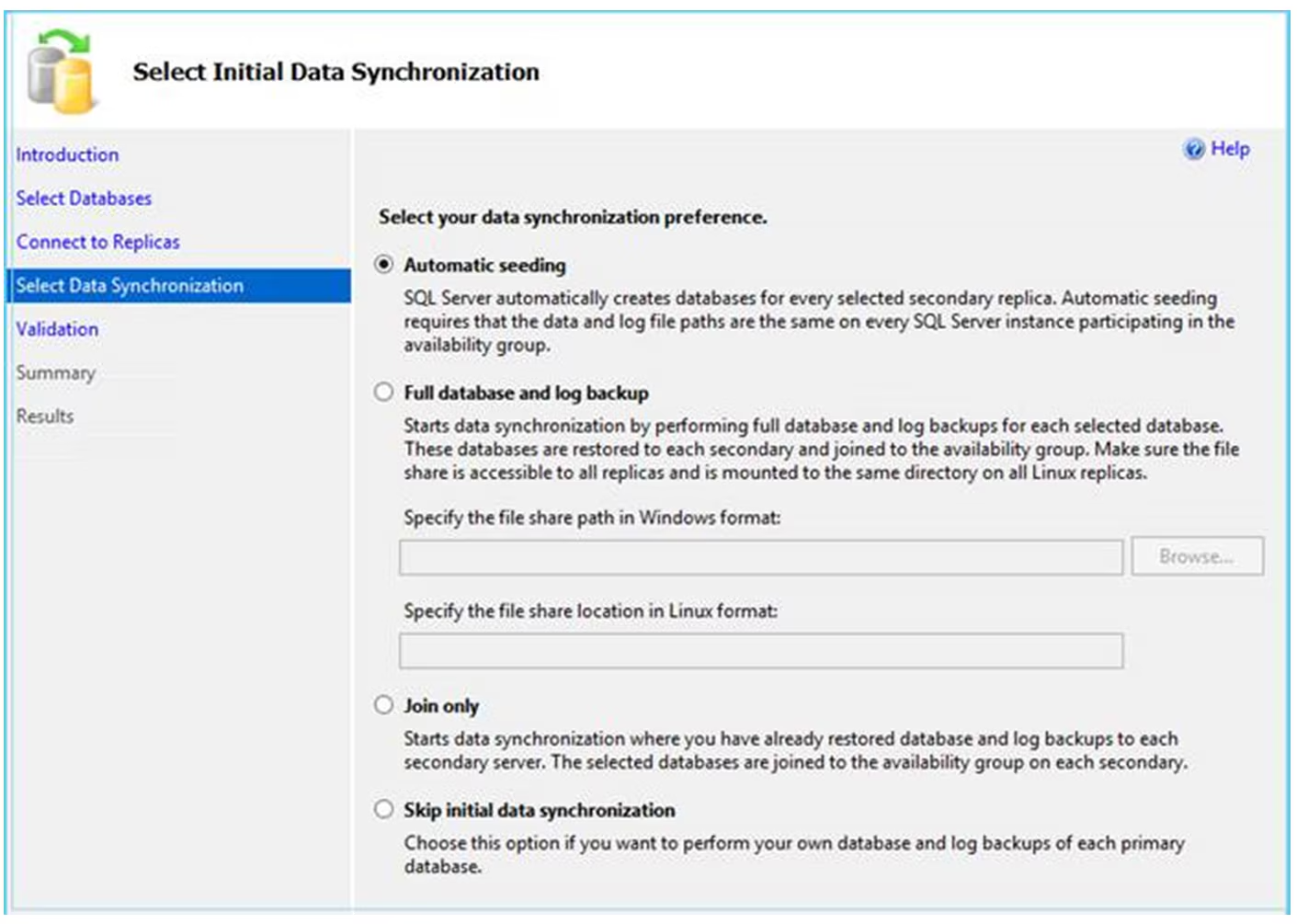
The option only appears for SQL 2016 in SQL Management Studio 17.4 or later.
The DBs are added to the AG immediately and the seeding occurs in the background. Then use the query below to check on the sync status:
select local_database_name
  ,remote_machine_name
  ,role_desc
  ,internal_state_desc
  ,transfer_rate_bytes_per_second/1024/1024 as transfer_rate_MB_per_second
  ,transferred_size_bytes/1024/1024 as transferred_size_MB
  ,database_size_bytes/1024/1024/1024/1024 as Database_Size_TB
  ,is_compression_enabled
from sys.dm_hadr_physical_seeding_stats
Also when adding DBs to SQL AG I’ve also generally had to temporarily disable any transaction log backup during the process, otherwise it gets in the way and can cause the restore and sync to fail.
See here for full details:
https://www.sqlshack.com/automatic-seeding-in-always-on-availability-groups/
https://www.mssqltips.com/sqlservertip/4537/sql-server-2016-availability-group-automatic-seeding/
Was this article helpful?
That’s Great!
Thank you for your feedback
Sorry! We couldn't be helpful
Thank you for your feedback
Feedback sent
We appreciate your effort and will try to fix the article