TABLE OF CONTENTS
Summary
This article explains the difference between the different Debtor Automatic Payment Methods
Methods
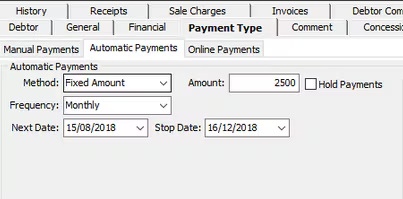
Fixed Amount - The amount specified is the amount that will be taken from the debtors account each time. This amount will not change, even if they are invoiced for additional amounts.
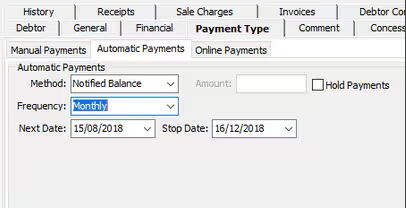
Notified Balance - This will take the amount the debtor was last notified of on a statement. Any amount entered will be ignored. Any amounts added to the account AFTER the notified balance has been sent, will not be included until the next statement run.
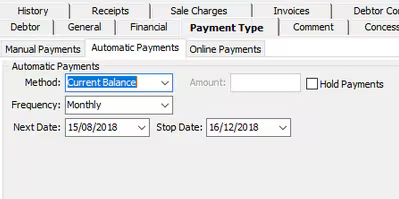
Current Balance - This will be charge the debtor their current balance regardless of what was notified on their last statement.
Considerations
Some considerations to make when setting up Automatic Payments
- Any changes will affect what is deducted from the debtor account, for example If a user changes it from Notified Balance to Current Balance after a statement has been sent out, it will charge the current balance despite what the setting was at the time the statements were generated.
- You may need to consider what options your school is willing to offer to debtors. You may not wish to use all options and instead have only one in operation at your school.
Was this article helpful?
That’s Great!
Thank you for your feedback
Sorry! We couldn't be helpful
Thank you for your feedback
Feedback sent
We appreciate your effort and will try to fix the article