Affects
This error can affect all Payroll users
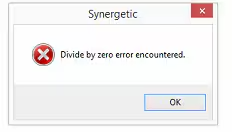
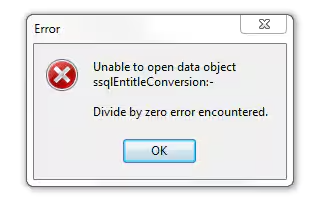
Error
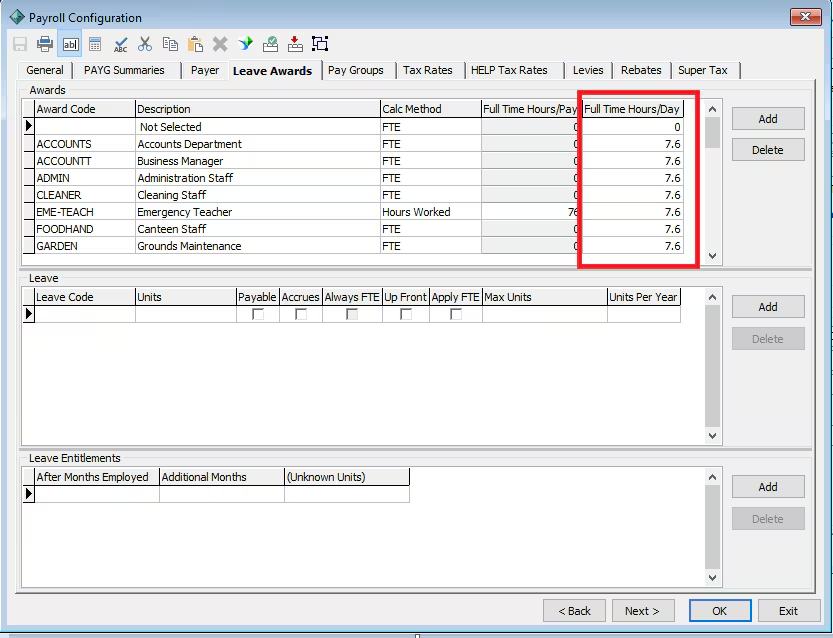
The error points to a leave award in payroll configuration that is missing the 'Full Time Hours/Day'. The leave award will need to have the full time hours (in most cases 7.5) in the 'Full Time Hours/Day' column in order to calculate FTE (hence the 'Divide by Zero' error).
Resolution
To resolve enter the FTE amount in the Full Time Hours/Day column in Payroll Configuration > Leave awards
Considerations
Hours worked is based on the normal FTE for that award. For example a normal 38 Hour week would be 7.6 Hours per day
Was this article helpful?
That’s Great!
Thank you for your feedback
Sorry! We couldn't be helpful
Thank you for your feedback
Feedback sent
We appreciate your effort and will try to fix the article