Deleting a BAS statement once you have submitted it to the tax office is not recommended, however, it is possible to delete it and re-create it if you have found an error prior to sending it to the tax office.
To delete a BAS statement:
- Select Module > General Ledger > Business Activity Statement
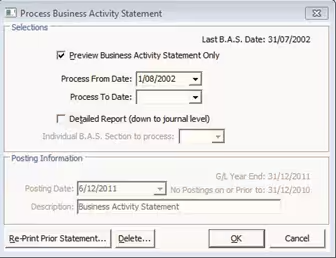
- The Process Business Activity Statement window is displayed
- Click OK
- The Select Business Activity Statement to Delete window is displayed
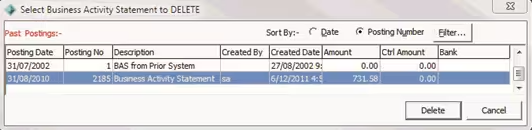
- Select the BAS you need to delete
- Click OK
- Confirm that you want to delete the BAS statement
Was this article helpful?
That’s Great!
Thank you for your feedback
Sorry! We couldn't be helpful
Thank you for your feedback
Feedback sent
We appreciate your effort and will try to fix the article