How to set up Debtor Fee Codes
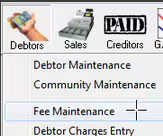
Under Debtors, Fee Maintenance, create a new Debtor Fee Code
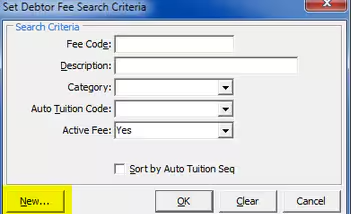
Select the New button
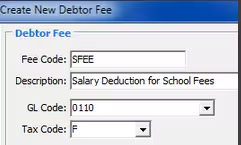
Ensure the Fee code has a GL code defined against it, this account will have a journal created against it as well as the debtors control account when the Pays are updated.

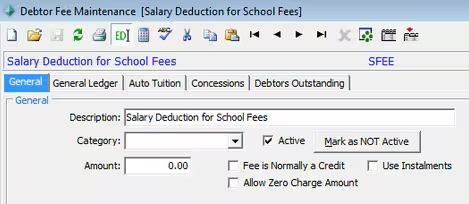
If you are using Debtor Sub Ledgers, a Fee category must be defined and be pointing to the sub ledger accounts that you want to credit from Payroll.
Was this article helpful?
That’s Great!
Thank you for your feedback
Sorry! We couldn't be helpful
Thank you for your feedback
Feedback sent
We appreciate your effort and will try to fix the article